Automatic Mode (also known as Auto Assist / Auto Combo) is a control mode that appears in Devil May Cry 1, 3, 4 and 5 which automates the combat system, performing context-sensitive combos and moves with the player only needing to press a single attack button without any special timing or directional inputs. This mode can be problematic as the player no longer has direct 1:1 control over their character: this can make certain encounters more difficult than they would be with normal controls. Furthermore, in DMC4, characters cannot perform parries in automatic mode.
This mode is intended for those with little to no experience playing action games, who want to succeed in combat without having to fully learn the game's controls and systems.[1][2]
Devil May Cry
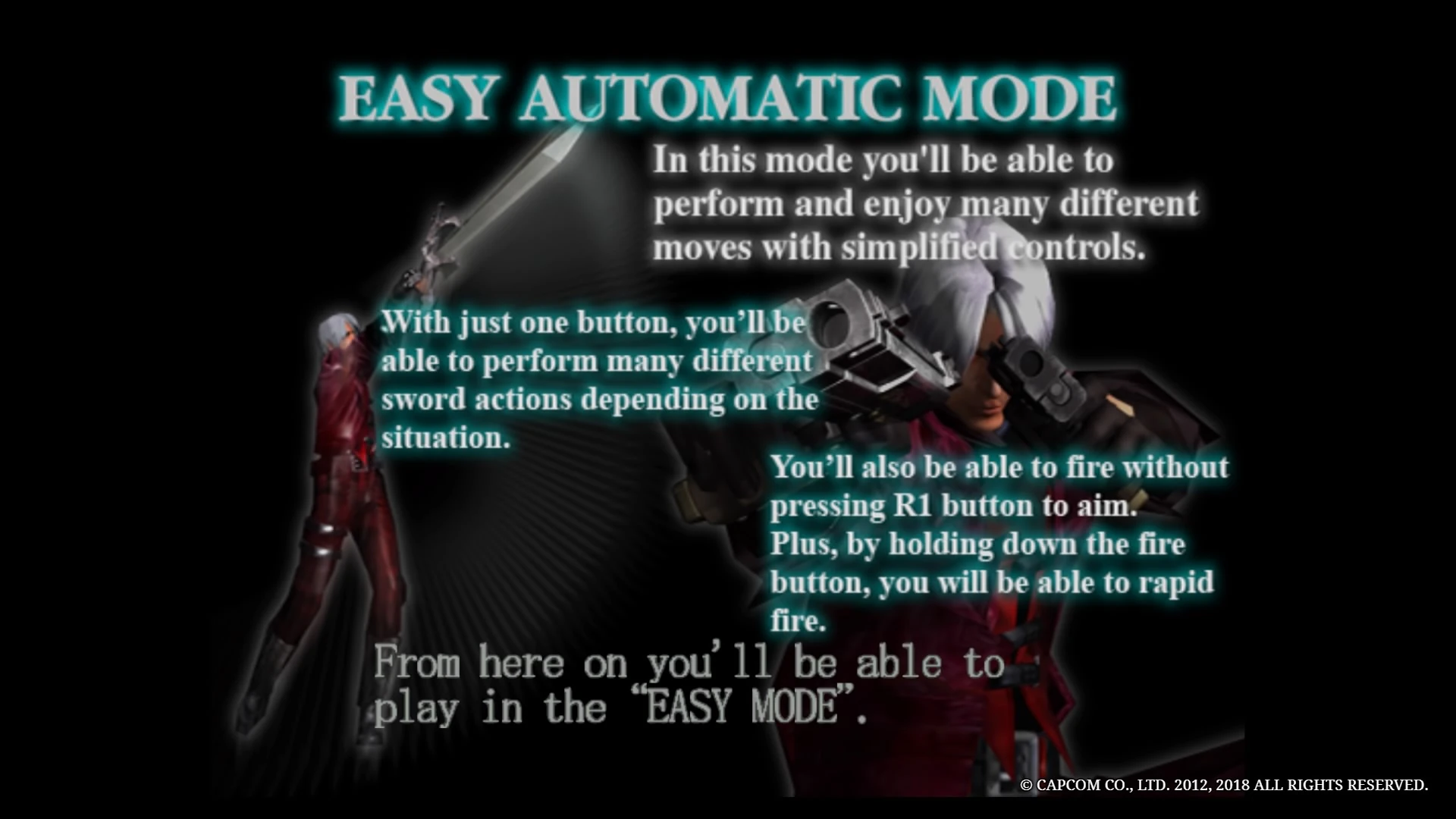

Easy Automatic tutorial in DMC1
Enabling this mode
Easy Automatic in the first game is both a control mode and a Difficulty Mode, and one cannot be activated without the other. It is not unlocked by default, instead unlocking when the player fulfils one of the following criteria while playing on Normal difficulty:
- Use a Vital Star on the first mission.
- Use a Yellow Orb on the first or second mission.
- Use two Yellow Orbs on the third mission.
When one of these requirements is met, a tutorial popup will appear explaining what Easy Automatic is and asking the player if they wish to activate it: if they do, the difficulty will be switched. There is no way to turn it back short of reloading a save. Regardless of whether or not the player chooses to change difficulty, Easy Automatic will be added to the difficulty select option when starting a new game.
Gameplay alterations
- Easy difficulty - Dante's attacks deal a higher amount of damage and he receives less. Devil Trigger recovers health at double the normal rate. Frosts, Shadows and Fetishes do not appear in normal missions, generally being respectively replaced by Plasmas, Sin Scythes and Marionettes.
- Automatic combos - Repeatedly pressing the melee button will perform context-sensitive automatic combos, without a need for directional inputs or pause combo timing.
- Simple shooting - The player is no longer required to hold the R1 button to shoot firearms, and holding the shoot button allows for fully automatic fire from Ebony & Ivory.
- Pre-purchased items - Dante starts out with five Blue Orbs and three Purple Orbs already purchased.
- Increased store purchase caps - Store purchase caps (the number of items that can be bought before purchasing is "locked out") are increased for several items. Dante can buy up to three Vital Stars instead of one, up to three Untouchables instead of one, and the purchase limit for Holy Waters and Devil Stars is increased from 5 and 10 respectively to 999.
Disadvantages
- The mode is tied to the easiest difficulty and cannot be used on higher difficulties.
- If the player completes the game in Easy Automatic Mode, the difficulty will not increase to Normal in New Game+: the mode is effectively a dead end.
- Charged Shots are not accessible outside of Devil Trigger mode, as holding shoot triggers the auto-fire function.
- The lack of control over combos can sometimes result in actions not appropriate to the current situation.
Devil May Cry 3: Dante's Awakening and Special Edition
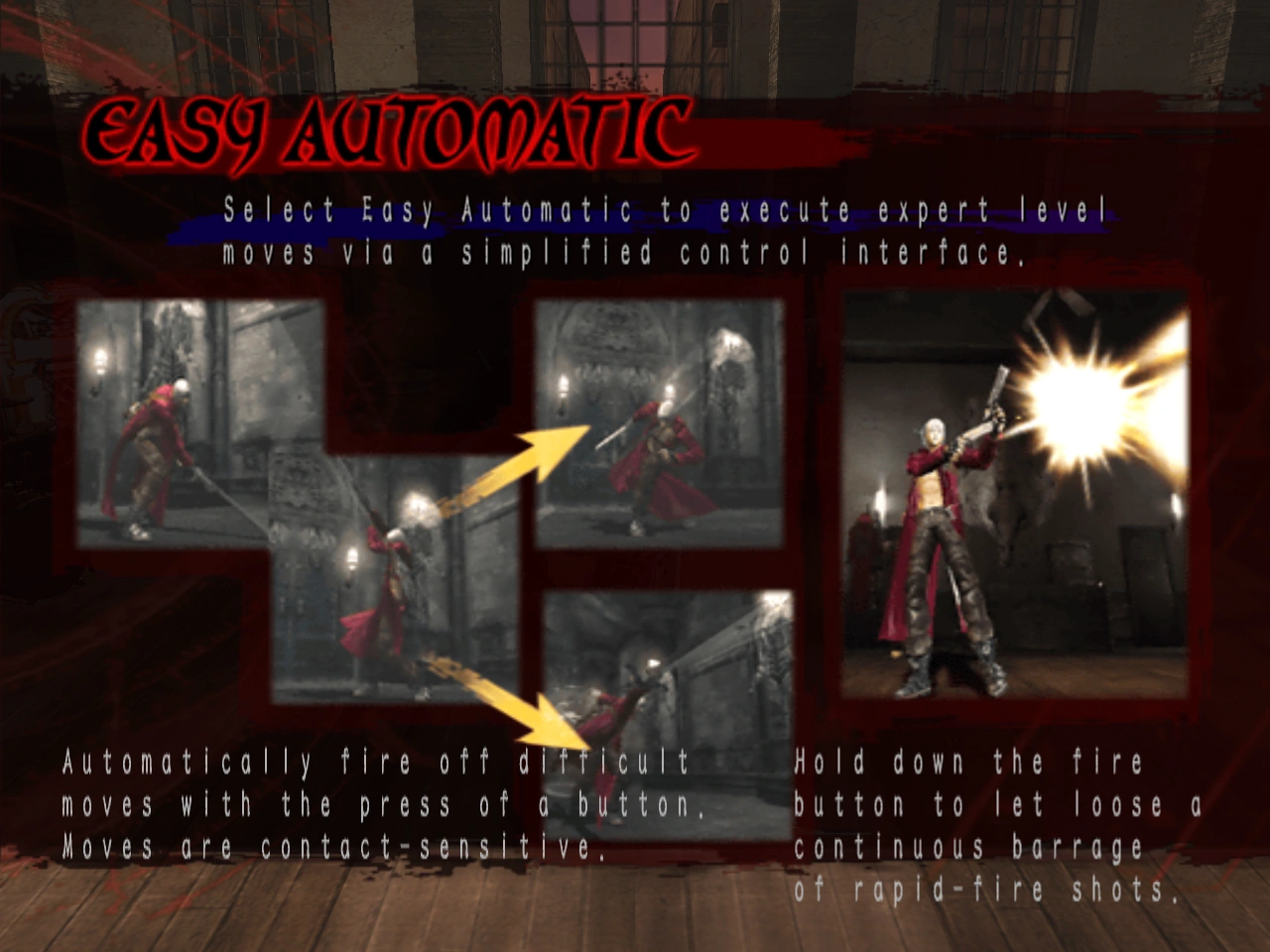

Easy Automatic tutorial in DMC3
Enabling this mode
Automatic mode can be selected on Mission Select screen once Easy mode is available. Easy is unlocked by dying three times in a row.
Gameplay alterations
- Auto-Combo: Do complicated moves with a single press of a button. It also sometimes fires off Crazy Combos.
- Rapid Fire: For Ebony & Ivory one button press creates a burst of three shots.
- Summoned Swords: When playing as Vergil, Summoned Swords appear mid-combo without requiring the use of the shoot button.
Disadvantages
- Since the player doesn't fully control the input, it is sometimes hard to execute a precise string of combos.
Devil May Cry 4
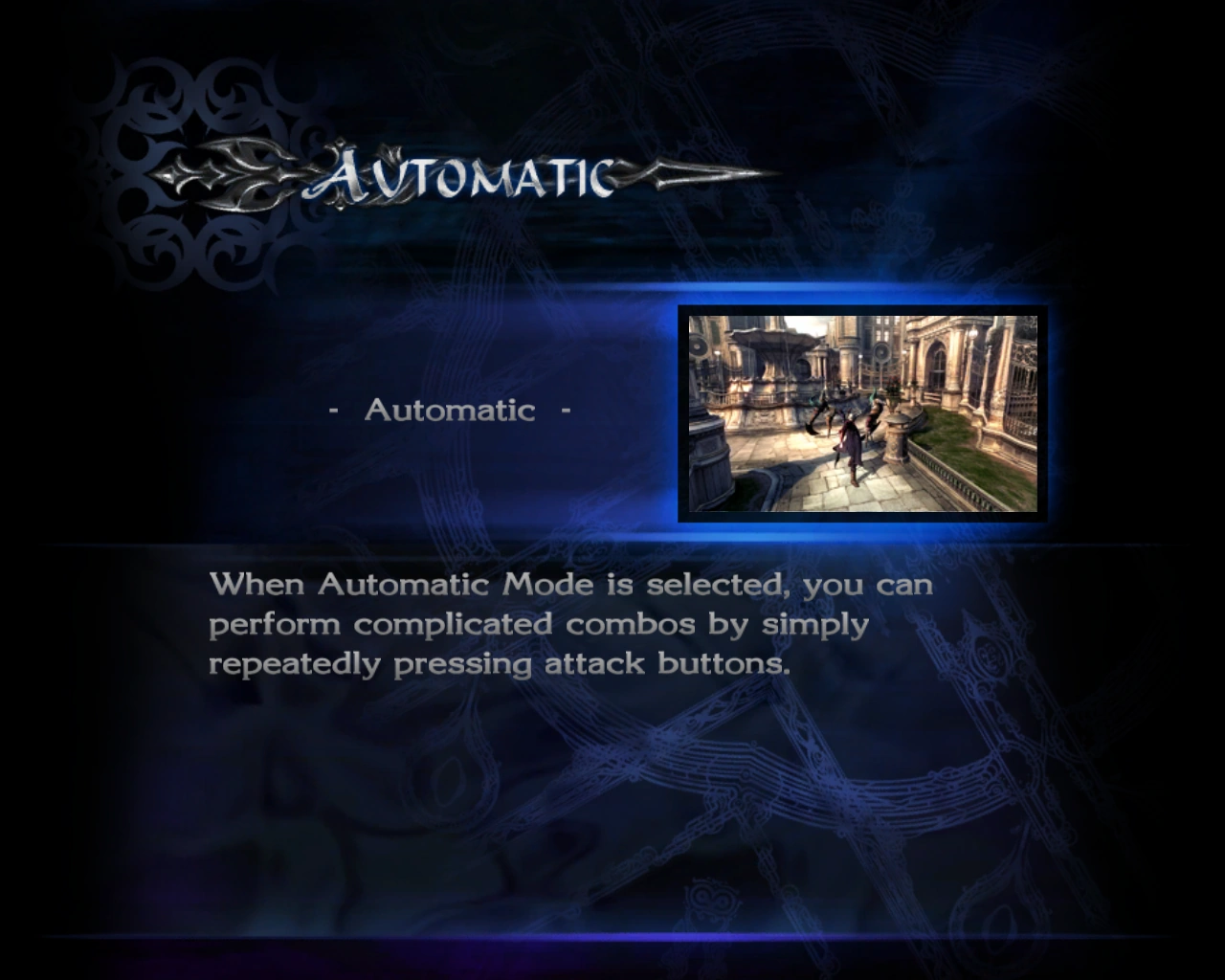

Automatic mode tutorial in DMC4
Enabling this mode
Automatic is no longer tied to a specific difficulty. It instead appears on the Character Selection screen. While in the Character Selection screen, press either left or right until the desired character has "Automatic" written below them.
Gameplay alterations
- Burst Fire: A single tap of the shoot button will fire three shots from Blue Rose or Ebony & Ivory.
- Auto-Charge: A gun capable of firing Charged Shots will be automatically charged whenever it is not being fired.
- Simple Combos: A simple tap of a directional input and an action button will perform a combo.
- Auto-EX: When Nero attacks with Red Queen, there is a 40% chance of EX-Act or MAX-Act (if purchased) activating even if the player does not touch the rev button.
- Emergency Trigger: When the health bar is below two segments (flashes red), Devil Trigger activates automatically.
- Easy Swordmaster Style: As well as regular melee attacks, the melee button will also execute Dante's Swordmaster Style moves.
- Easy Pandora Formation: Pandora can easily transform into the PF398: Revenge by simply holding down the lock-on and the gun buttons in front of an enemy.
Disadvantages
- Lack of manual and precise control. The player cannot execute specific combos or moves while in the middle of a fight (such as Lucifer's Bondage ability), furthermore, only certain commands can be executed in certain situations. In addition, the player cannot fully predict which combo will be executed.
- Automatic Mode cannot use Dante's Royalguard Style.
Devil May Cry 5
In Devil May Cry 5, this mode is called Auto-Assist, it can be turned on or aff at any time by holding the right analog stick (RS on the Xbox One, R3 on the PS4) for a short time, or enabled from the gameplay section of the options menu. Activating it during a mission applies a ×0.8 score penalty on the mission result screen, even if the player does not use it to perform any moves. An indicator will appear onscreen while Auto-Assist is enabled.
Auto Assist mode still allows the player to make command inputs and will prioritize any such inputs over executing automatic moves. It will perform most standard moves, but cannot perform Break Away or Break Age moves with Nero's Devil Breakers.
When playing as Dante, the mode performs automatic weapon and Style switching as well as automatic combos: it can use Swordmaster Style with just the melee button as in the previous game, and will auto-switch guns and perform Gunslinger Style moves when the shoot button is pressed. The melee button will also perform Trickster Style moves, but only does so to position Dante within range of an enemy, not to evade attacks. The mode still cannot use Royalguard Style at all.
It is worth noting that Dante's Auto Assist includes using the primary fire mode of Dr. Faust, so it can be a little costly in Red Orbs.
Trivia
- In Devil May Cry 5, the auto mode originally also had the player character dodge attacks automatically, but that was deemed too overpowered and was eventually removed.[3][4]
- It would also perform the Break Age Devil Breaker move, the developers removed this due to the likelihood that the game would break a Devil Breaker without a player's consent.[4]
References
- ↑ Devil May Cry 3, Tutorial File - Easy Automatic: Select Easy Automatic to execute expert-level moves via a simplified control interface.
- ↑ Devil May Cry 4, Tutorial File - Automatic Mode: When Automatic Mode is selected, you can perform complicated combos by simply repeatedly pressing attack buttons.
- ↑ 電撃 - 『DMC5』開発者インタビューでダンテの新武器“キャバリエーレ”と“バルログ”の特徴に迫る
- ↑ 4.0 4.1 Devil May Cry 5 Interview — Developers Talk Nico, Gameplay, Reviving Capcom’s Franchises, and More (DualShockers)